
A good crop directs attention while keeping the meaning of the original photograph intact.
Decide what the photograph is about
Before moving a crop boundary, identify the element that carries the story. It might be a person’s expression, a product detail or the relationship between two subjects. If everything receives equal attention, the image can feel uncertain. Use the crop to make the intended subject easier to notice.
Watch the edges
Scan all four edges for distracting fragments, awkward cuts and objects that pull the eye out of the picture. Give a person room in the direction they are looking when that space helps the composition. Avoid treating a compositional rule as a requirement; the strongest choice depends on what you want the image to communicate.
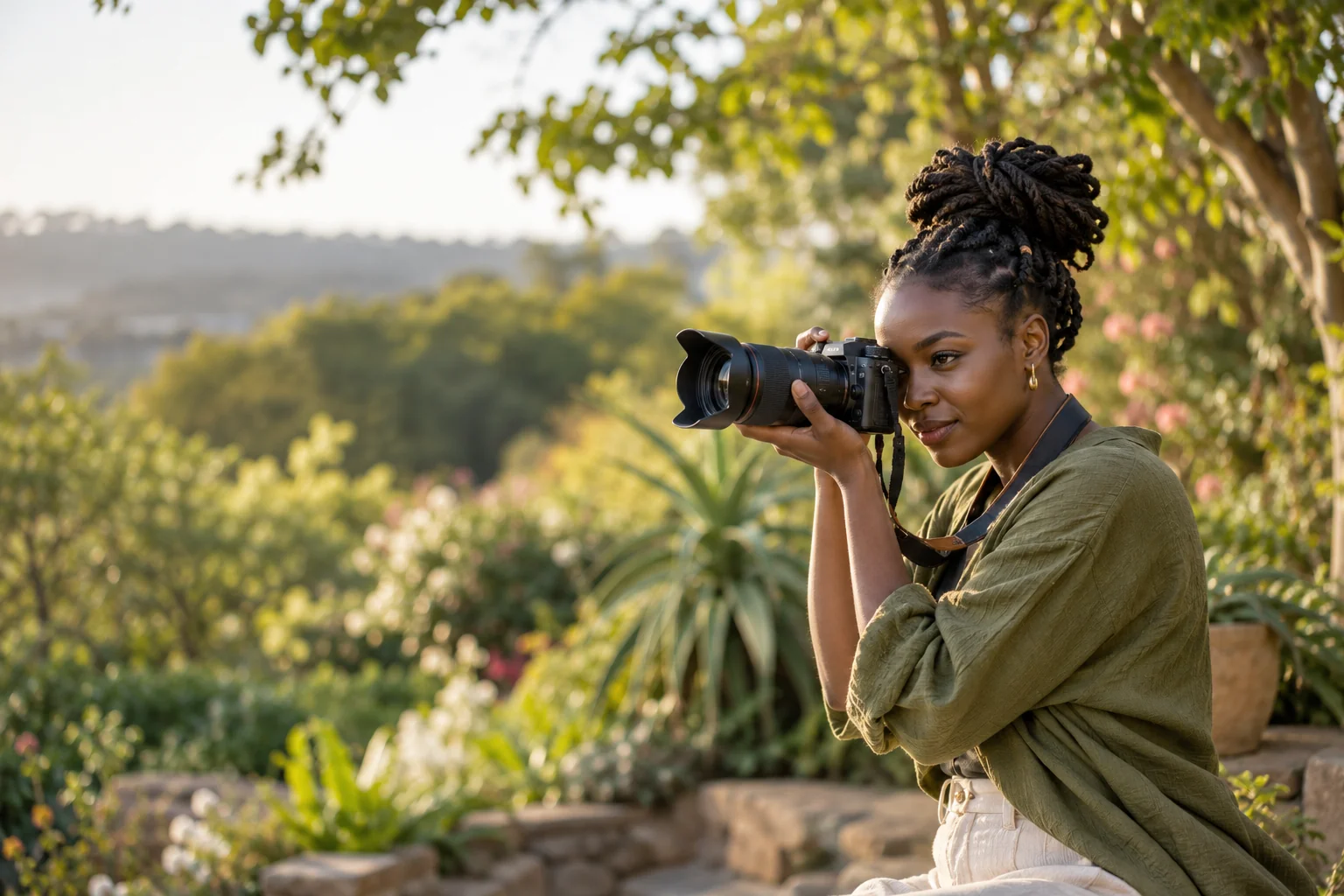
Leave useful space
A website banner may need open space for a heading. A product card may need a closer view. Make those decisions with the final layout in mind, and check how the picture behaves on a narrow screen. Text should remain readable without covering the most important part of the image.
Keep your options open
Save the original before producing alternate crops. Review each version at its intended size and compare it with neighbouring images. When you cannot create a useful crop without losing the subject, choose another photograph. A deliberate selection is often more effective than forcing one image to do every job.