People may forgive an imperfect picture, but a voice that is difficult to hear can quickly lose them. Give sound a place in your plan from the start.
Listen before you record
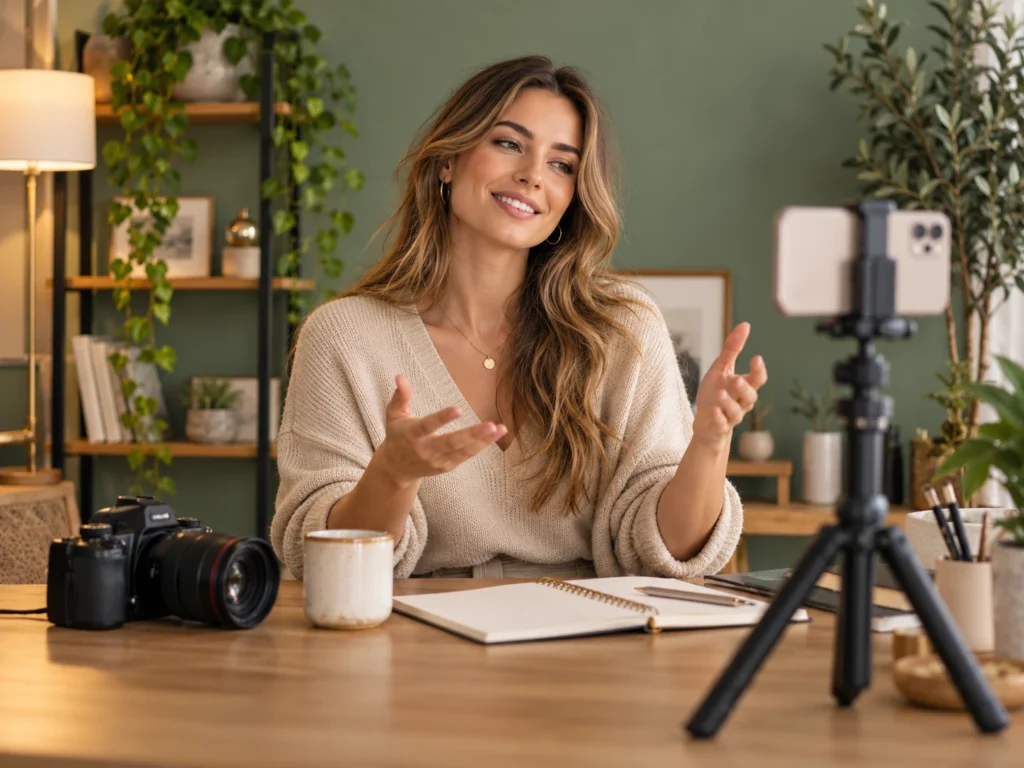
Pause in your recording space and listen for traffic, fans, echo and conversations. Move closer to the speaker and choose a quieter spot when possible. A microphone near the person usually captures a more useful voice than one across the room. Record a short test and listen through headphones before filming the full piece.
Build the edit around the voice
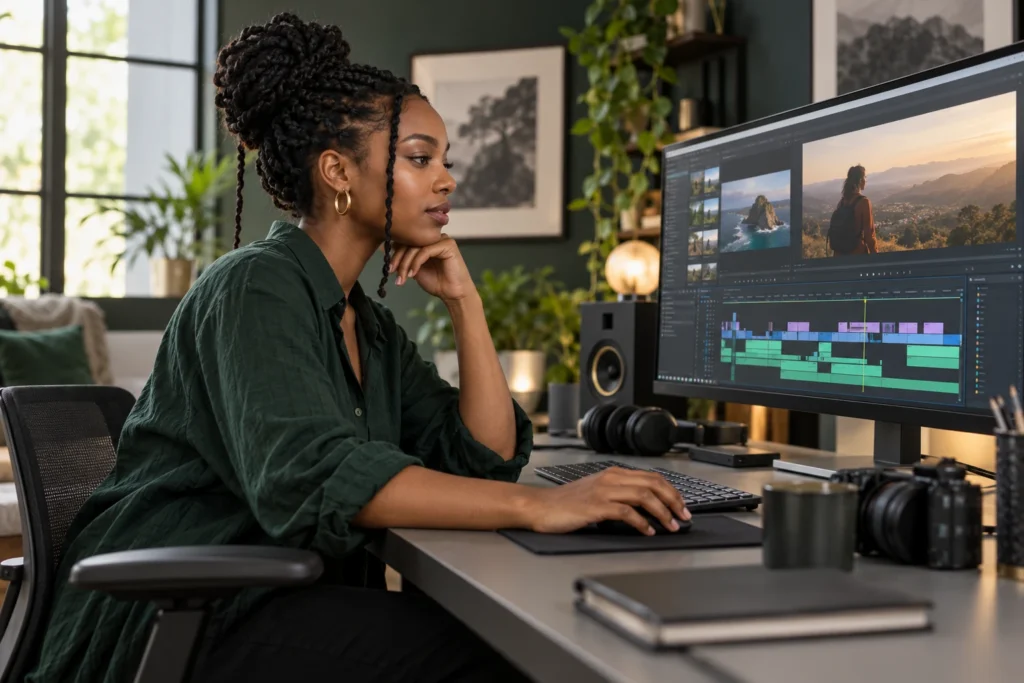
Arrange the spoken sections so the message makes sense, then bring in supporting pictures and music. Trim long pauses with care: a little breathing room can make an explanation feel natural. If you separate a video from its audio, check that faces and voices still match after moving either clip.

Use music with restraint
Choose a track you have permission to use. Lower it beneath speech and listen to the whole sequence rather than judging one moment. A quieter beginning and ending can make a music bed feel more deliberate. Fades help soften abrupt changes, but they cannot repair a recording overwhelmed by background noise.
Boost carefully
Increasing gain raises unwanted noise along with the voice. Work in small steps and listen for harsh peaks or distortion. If one word is much louder than the rest, a large boost across the entire clip may make it worse. Keep your original recording so you can return to it if an adjustment becomes distracting.
Check the finished file
Listen once on headphones and once through a phone or laptop speaker. Check the start, every edit and the final few seconds. Make sure music does not mask important words and that the exported file contains the audio you expected. A short listening check is a useful final step before sharing.